Windows Server安装部署Exchange Server 2016
一、Powershell安装相关模块
打开Powershell工具,执行以下命令
Install-WindowsFeature NET-Framework-45-Features, Server-Media-Foundation, RPC-over-HTTP-proxy, RSAT-Clustering, RSAT-Clustering-CmdInterface, RSAT-Clustering-Mgmt, RSAT-Clustering-PowerShell, WAS-Process-Model, Web-Asp-Net45, Web-Basic-Auth, Web-Client-Auth, Web-Digest-Auth, Web-Dir-Browsing, Web-Dyn-Compression, Web-Http-Errors, Web-Http-Logging, Web-Http-Redirect, Web-Http-Tracing, Web-ISAPI-Ext, Web-ISAPI-Filter, Web-Lgcy-Mgmt-Console, Web-Metabase, Web-Mgmt-Console, Web-Mgmt-Service, Web-Net-Ext45, Web-Request-Monitor, Web-Server, Web-Stat-Compression, Web-Static-Content, Web-Windows-Auth, Web-WMI, Windows-Identity-Foundation, RSAT-ADDS二、安装前置环境
安装.NET Framework 4.7.2或更高版本,NET Framework 4.8下载地址:
https://www.microsoft.com/zh-CN/download/details.aspx?id=40784
下载完后文件名为:ndp48-web.exe
安装Visual C++ Redistributable Package for Visual Studio 2013,下载地址:
https://www.microsoft.com/zh-CN/download/details.aspx?id=40784
下载完后文件名为:vcredist_x64.exe
安装Microsoft统一通信托管API 4.0 核心运行时(64 位),下载地址:
https://www.microsoft.com/zh-CN/download/details.aspx?id=34992
下载后文件名为:UcmaRuntimeSetup.exe
安装完以上软件后,重启服务器
三、安装Exchange Server 2016
版本:ExchangeServer2016-x64-cu18.iso
cu18下载地址:
https://www.microsoft.com/zh-cn/download/confirmation.aspx?id=102114
下载iso文件后,用压缩软件解压,会自动将所有安装文件释放出来,双击setup.exe
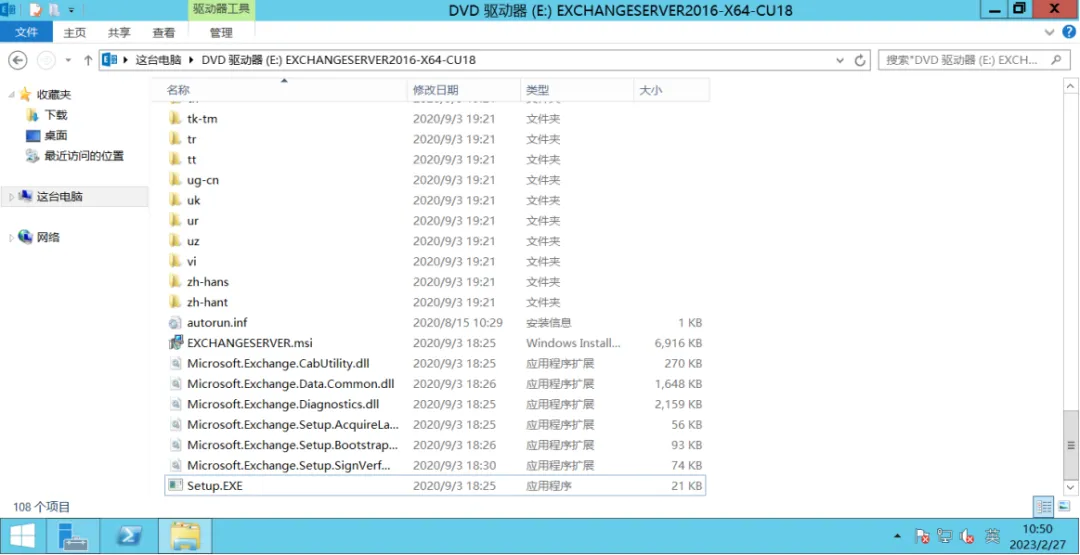
点击下一步
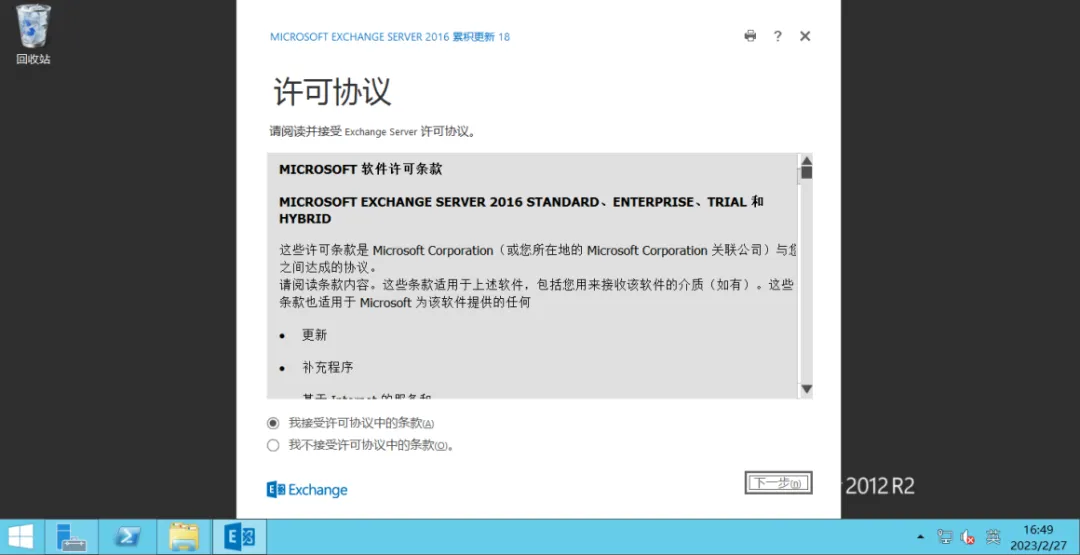
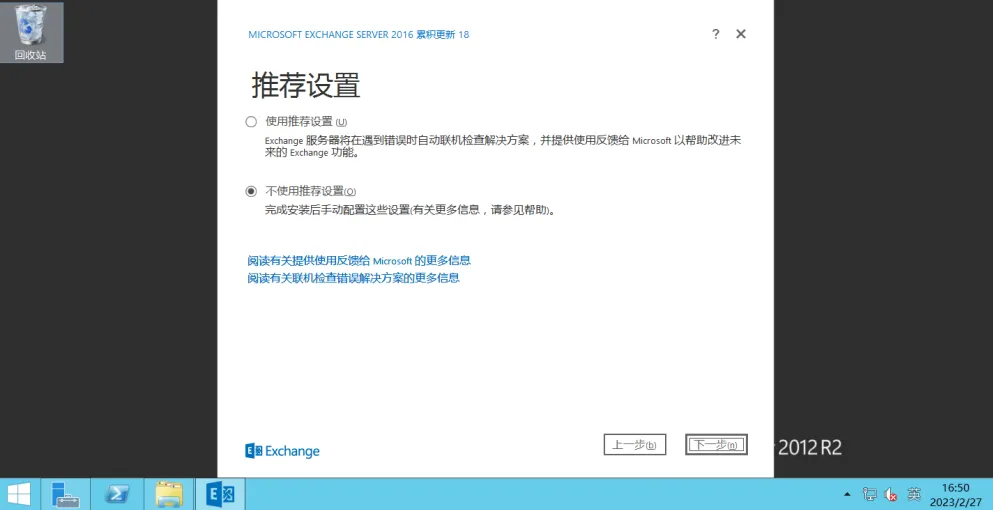
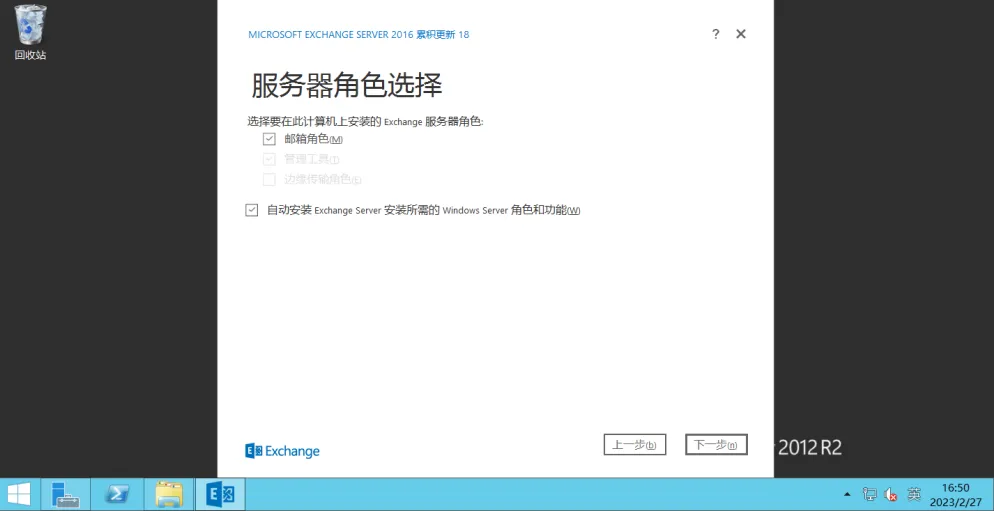
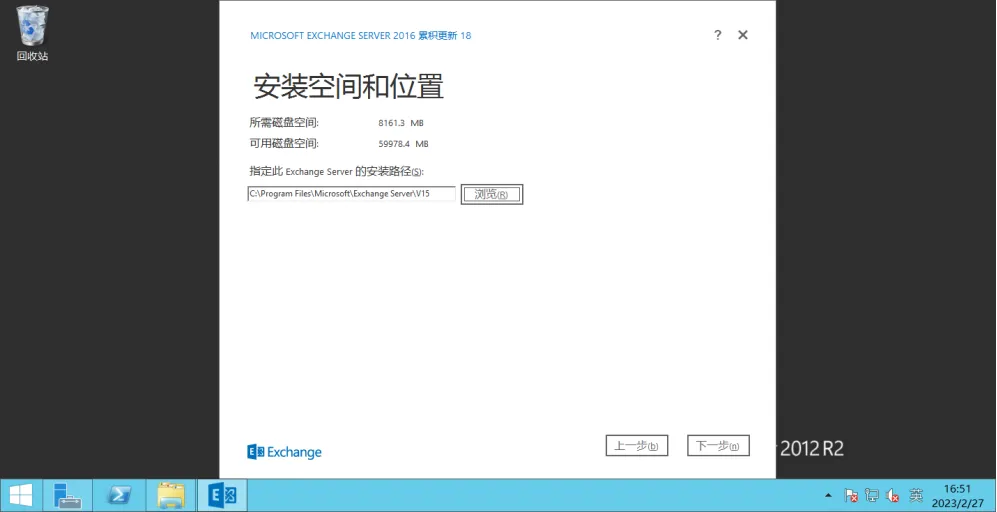
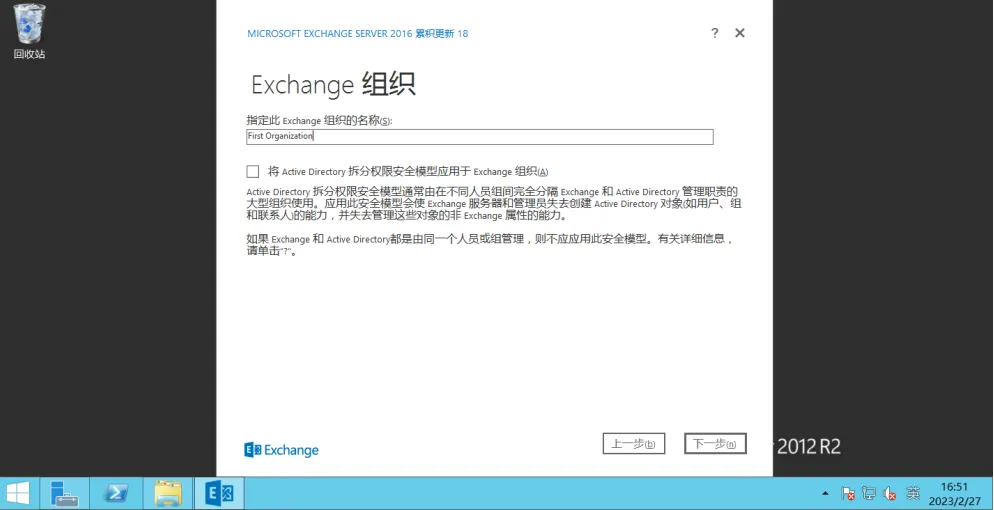
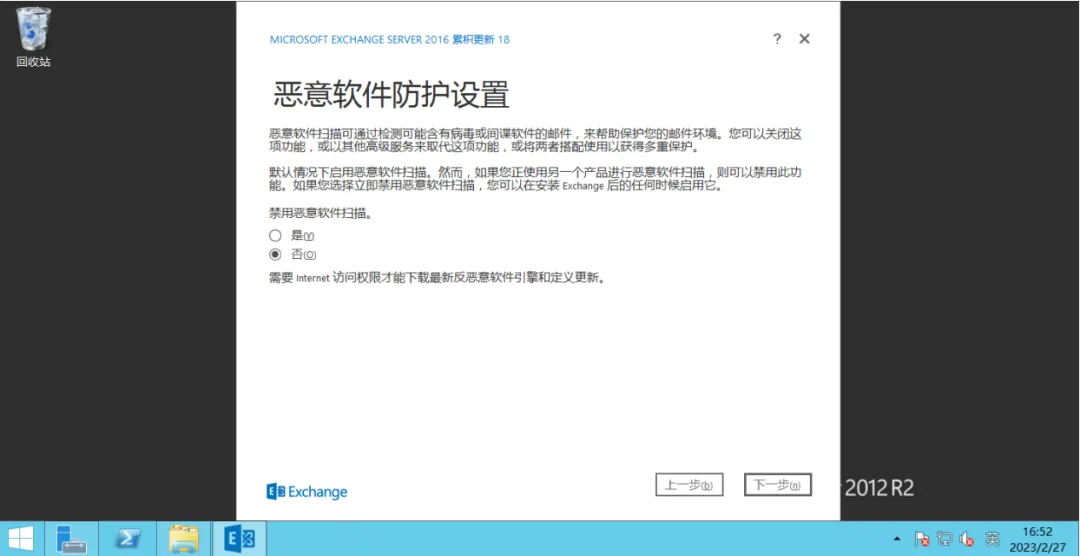
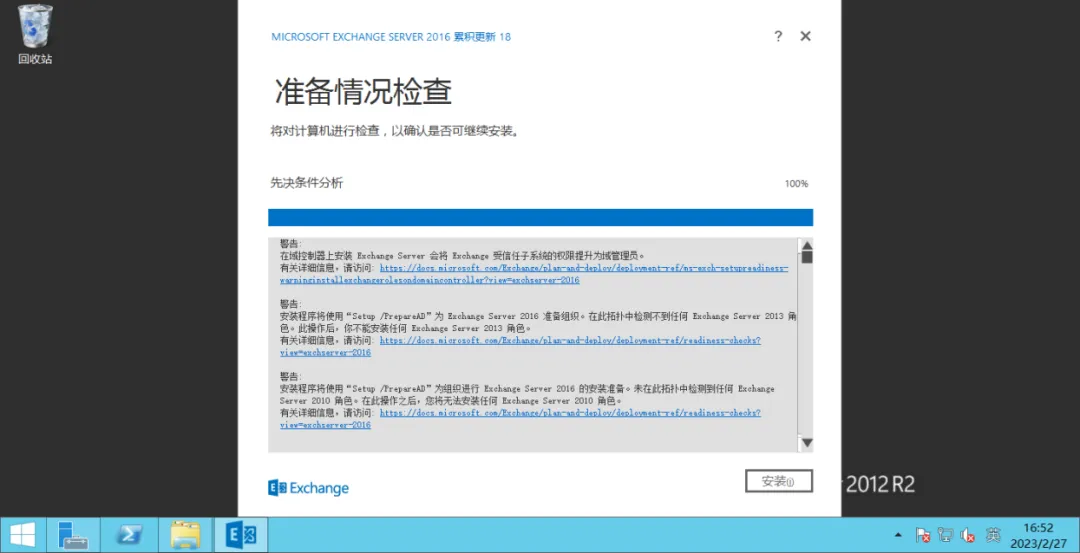
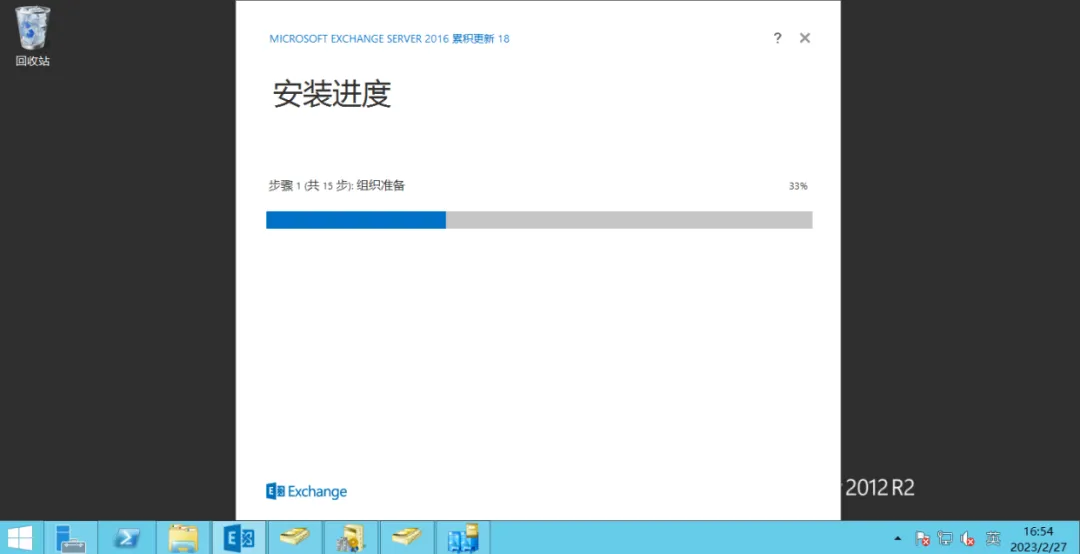
等待安装完成。
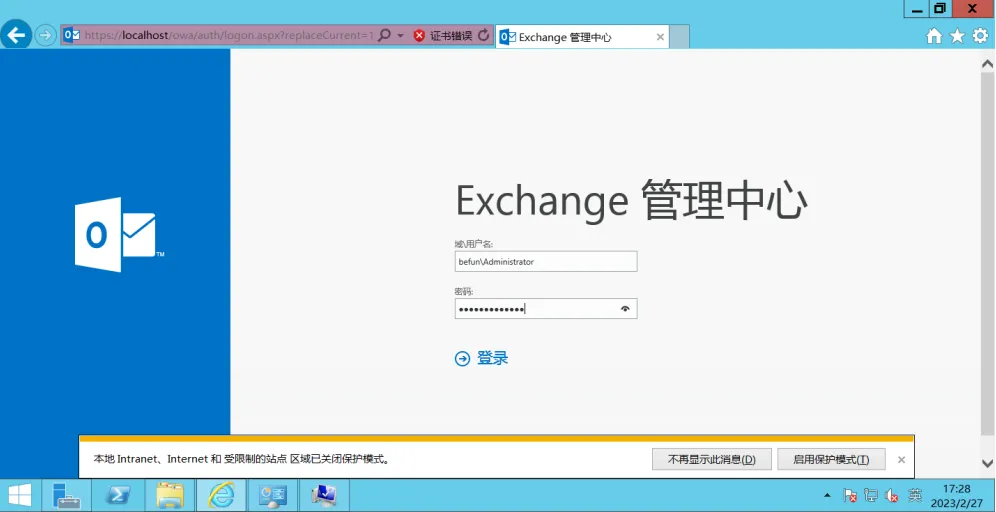
四、登录Exchange管理中心
标签: 运维
本文标题:Windows Server安装部署Exchange Server 2016
本文链接:https://www.befun.ink/detail/123.html
声明:本站信息原创或由互联网收集,未用于商业用途,如若侵权,请联系站长删除!
 懒师傅敲代码

优秀作者 战斗力十足
1.9w
文章
312w+
阅读
635w+
访问量
 相关文章
相关文章